
2D plan with a live 3D model
Set the room size, ceiling height, doors and windows, then drag furniture and cabinets on the plan while the 3D model updates beside it.

AI interior design software
Bella Design Studio turns a measured room layout into four coordinated photoreal views, furnished with real products and Sherwin-Williams paint, ready to present to your client.
Now in private preview with a small group of design studios.
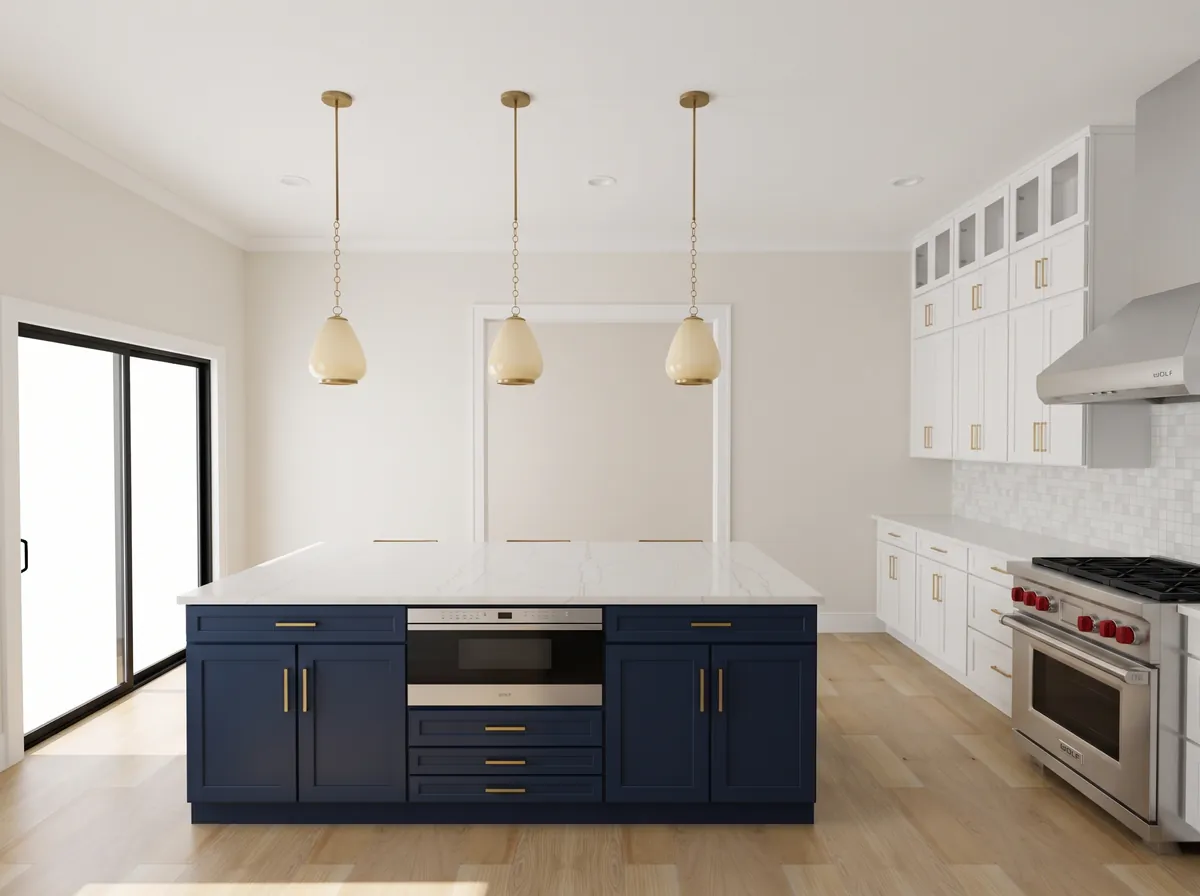
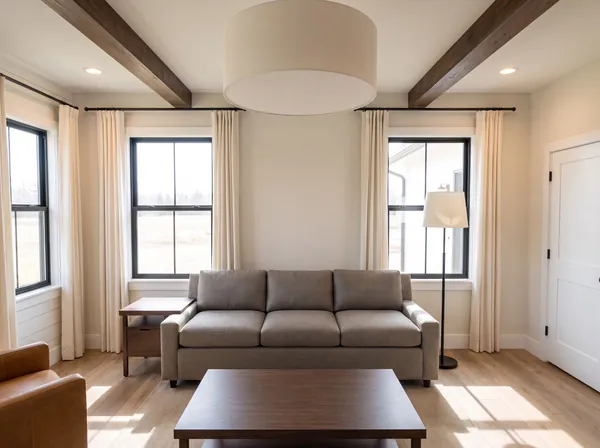
Rendered in Bella Design Studio · 0° view, facing north
Specify real products from the catalogs your clients already know
Four coordinated views
Each view stands at a wall and faces the one opposite: 0°, 90°, 180° and 270°. Because every image is rendered from the same plan, the range, the island, the windows and the pendants stay exactly where you put them.
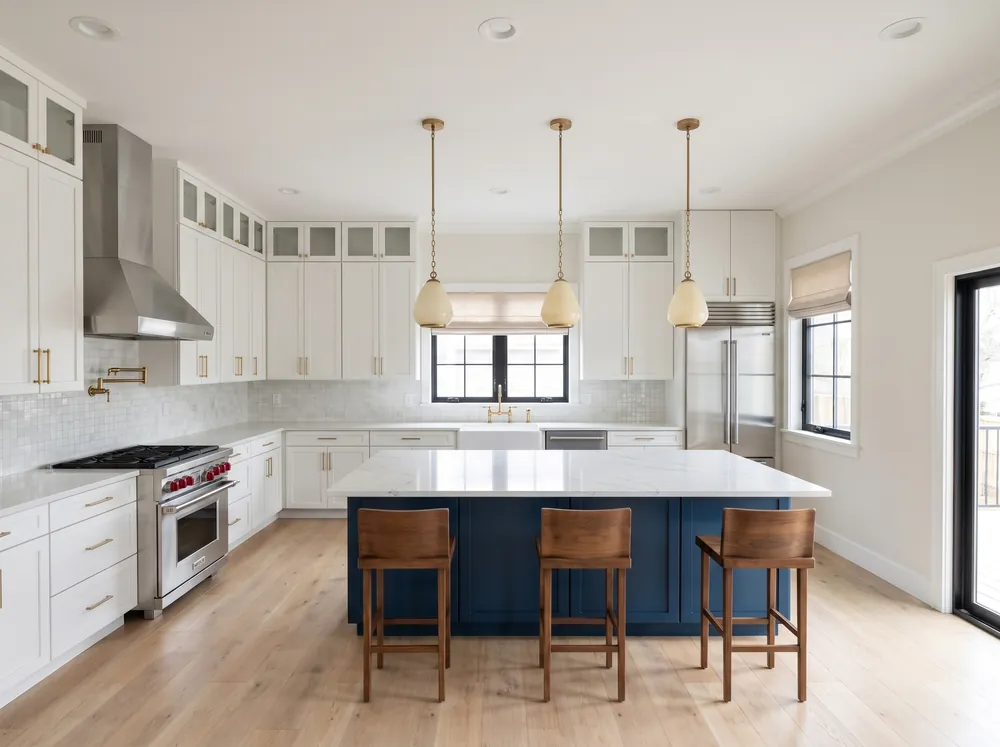
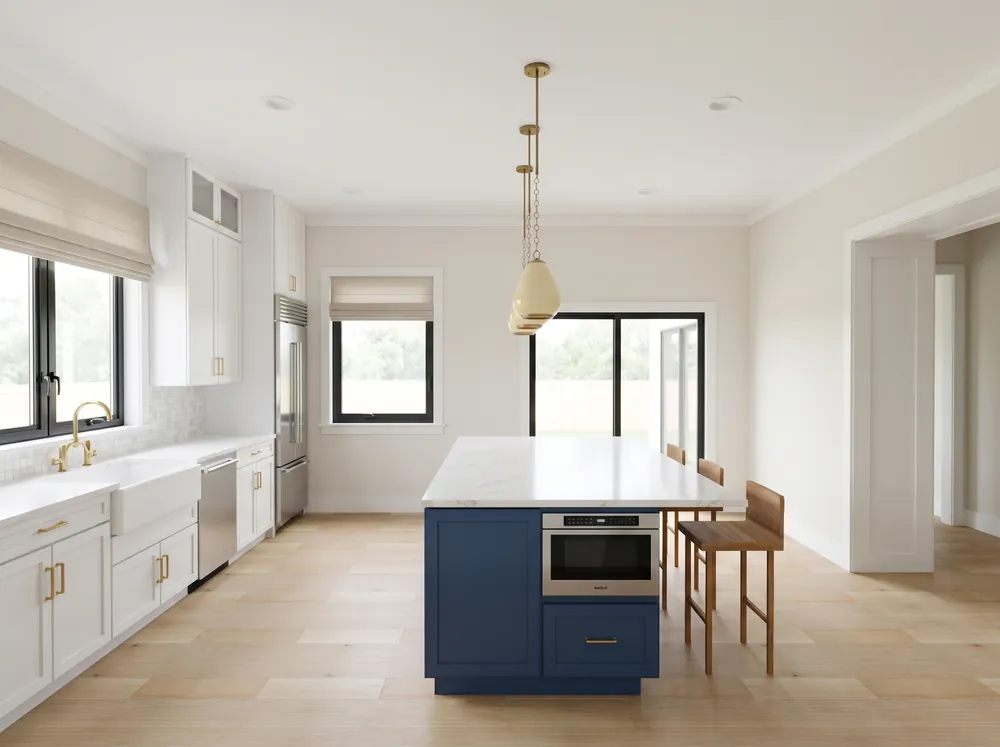
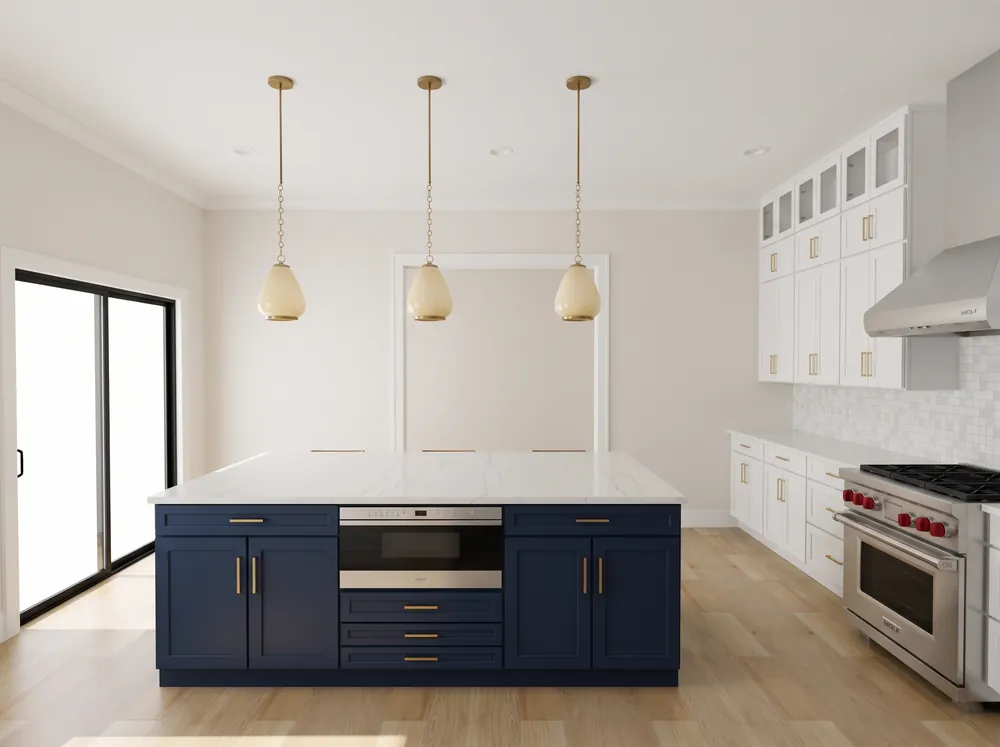
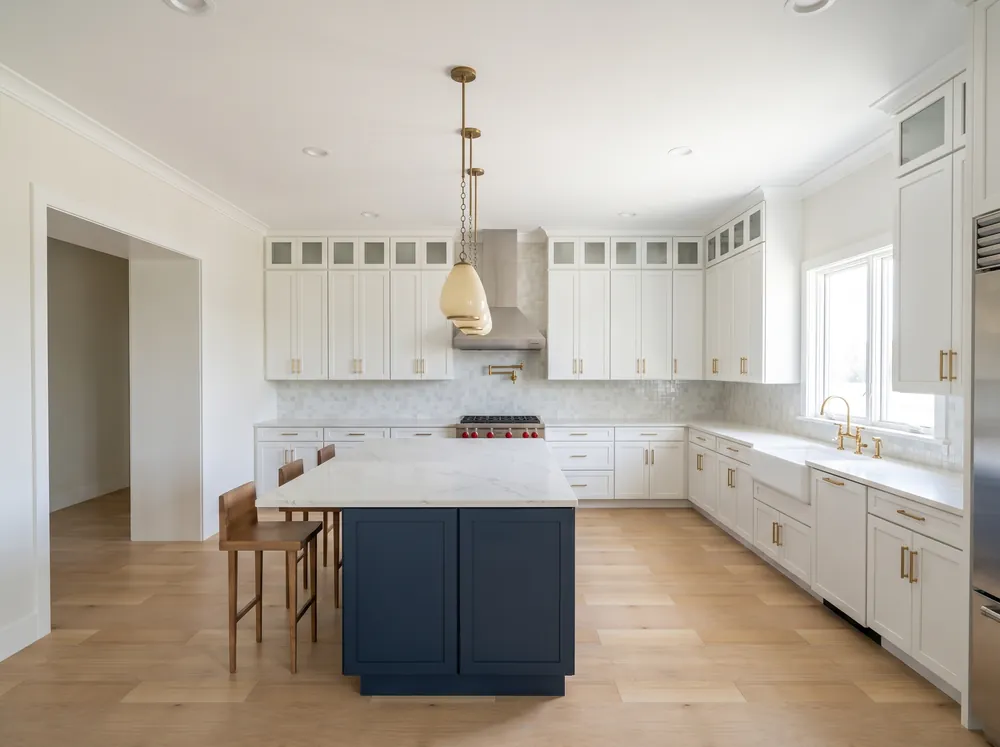
From layout to photograph
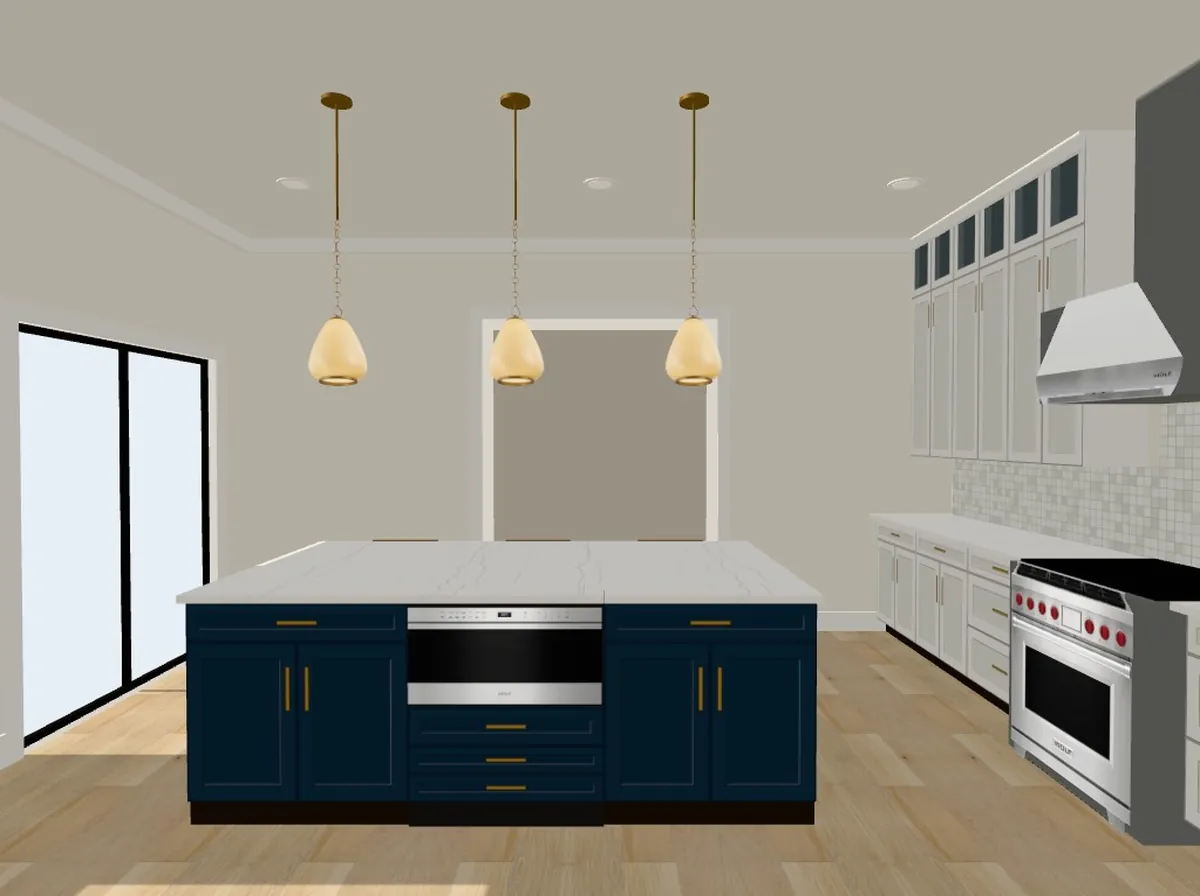
Bella Design Studio builds an accurate 3D layout first, with real dimensions, product sizes and camera positions. That layout guides the photoreal render, so the AI adds light, materials and texture without moving the walls.
Drag the handle to compare the layout with the finished image.
Features
Everything a designer needs to go from a measured room to a finished, specified presentation, in the browser.
Set the room size, ceiling height, doors and windows, then drag furniture and cabinets on the plan while the 3D model updates beside it.
Render the room facing north, east, south and west. A shared style anchor keeps materials, light and color consistent across all four.
Choose flooring, carpet, windows, lighting, drapery and appliances from manufacturer catalogs. The official product photo goes into the render.
Pick walls, ceiling, trim, doors and cabinet colors from the Sherwin-Williams palette, with the color numbers carried through to the spec sheet.
Every render is reviewed against the plan for missing or extra items, wrong counts and product mismatches, and retried when it does not match.
Generate a polished US Letter PDF with the four views, paint, flooring, lighting, appliances and quantities, under your studio's brand.
Share a private residence gallery that works on any phone. Clients can leave comments on each view and approve rooms when they are ready.
Step inside the finished room with a photoreal 360° view, with product hotspots you can tap for details.
Inside the studio
Room, openings, kitchen, surfaces, lighting, furniture and products, each on its own tab, with the model, plan and renders always in view.
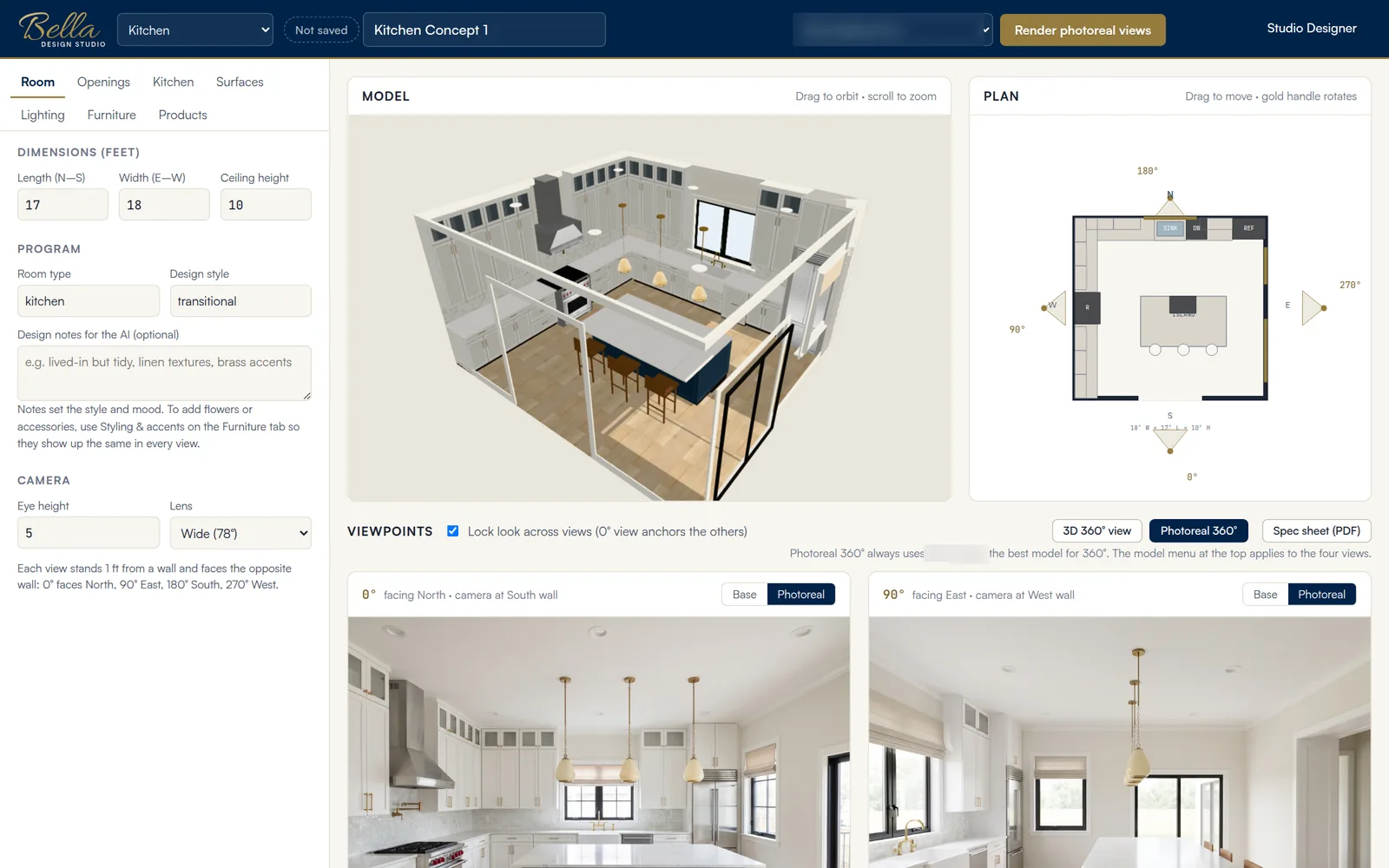
Set dimensions and style on the left. Orbit the 3D model, move items on the plan, and see the four viewpoints below.
How it works
Enter the dimensions, place doors and windows, and arrange cabinets and furniture on the 2D plan.
Choose Sherwin-Williams colors, flooring, lighting, window treatments and appliances from real catalogs.
One click produces coordinated photoreal views at 0°, 90°, 180° and 270°, each checked against the plan.
Send a branded spec sheet and a private gallery where your client can comment and approve.
Client deliverables
Every design produces a spec sheet and a private gallery with your branding, so clients see a finished proposal rather than a software export.
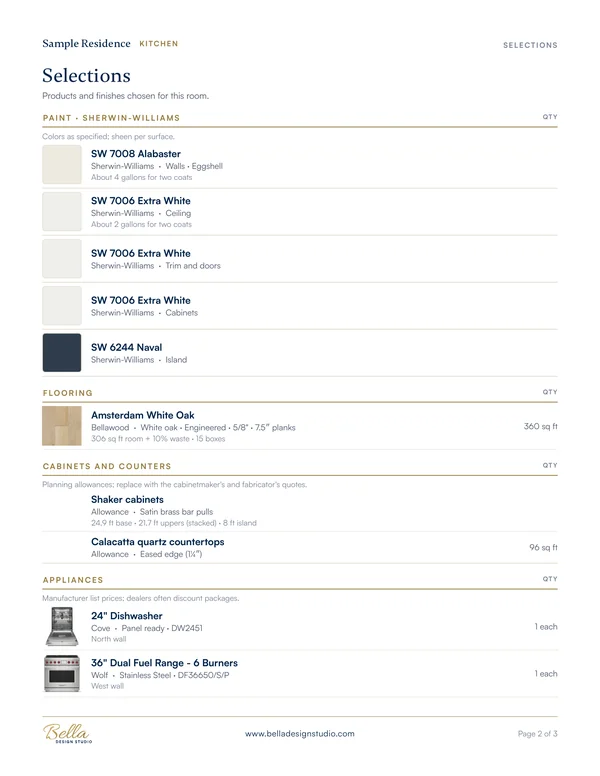
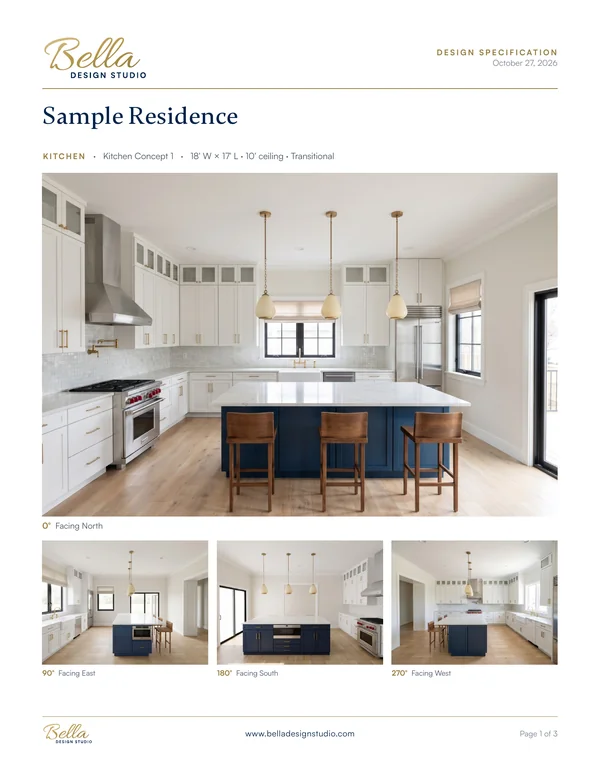
A US Letter PDF with the four views, every selection by category, Sherwin-Williams color numbers, product models and quantities.
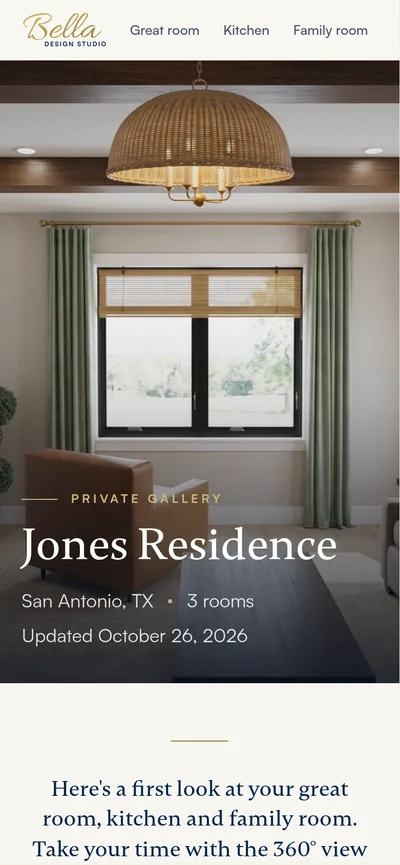
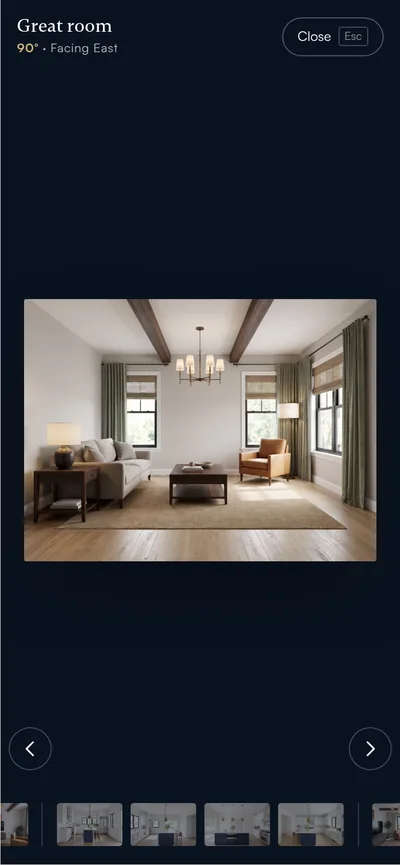
A residence gallery for every client, room by room, with a full-screen viewer, comments on each view and one-tap room approval.
Render gallery
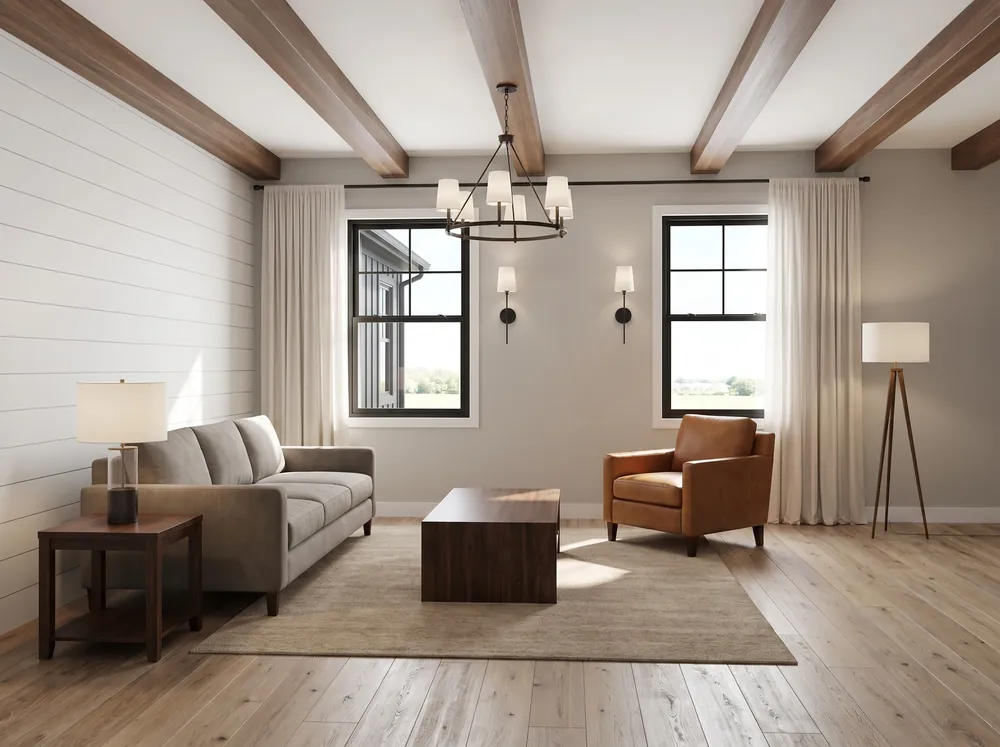
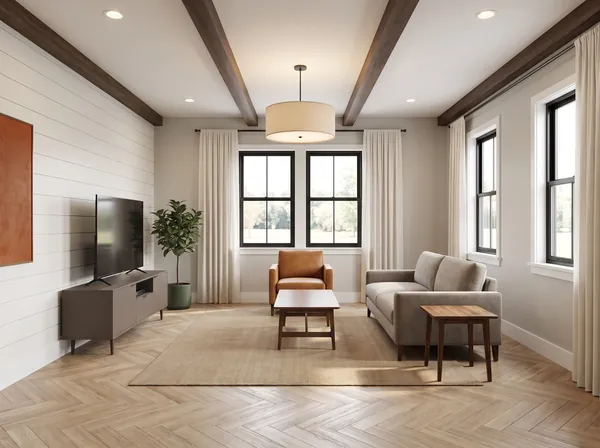
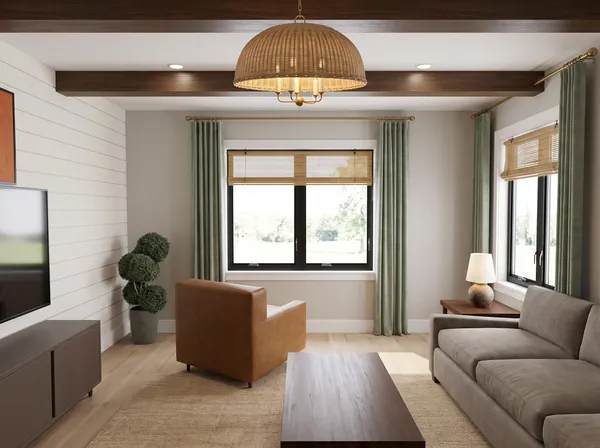
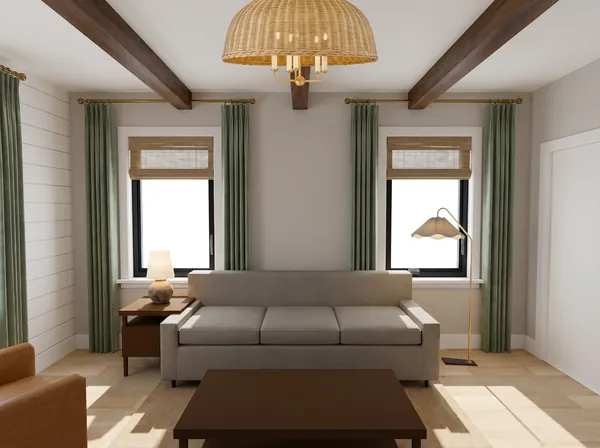
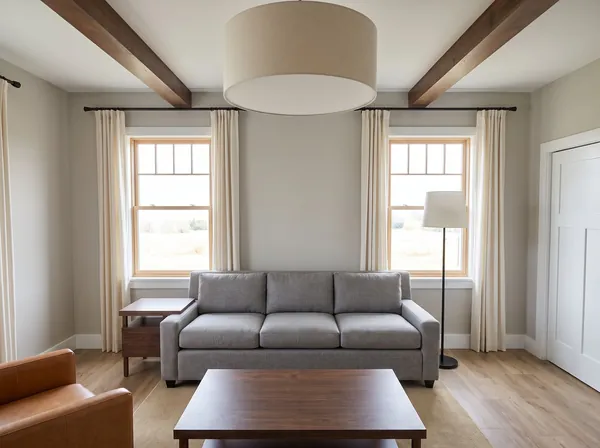
The same living room rendered with different floors, drapery, lighting and windows. Change a product and render again.
Who it's for
Show clients exactly how the room will look, from every side, before anything is ordered.
Present cabinet runs, appliances and finishes in photographs instead of line drawings.
Help buyers choose selections with confidence and keep a clear record of what was approved.
Visualize furniture, lighting and paint in a space with real products you can source.
FAQ
Bella Design Studio is AI interior design software for designers and design-build firms. You lay out a room on a 2D plan with a live 3D model, choose real products and Sherwin-Williams paint, and the software renders four coordinated photoreal views of the room.
Most AI tools restyle a single photo. Bella Design Studio starts from a measured layout, so the cabinets, windows, lighting and furniture stay in the same place in all four views, and every product in the image comes from a real manufacturer catalog.
Living rooms, great rooms, family rooms and kitchens are available today. Bedrooms, bathrooms, dining rooms and breakfast nooks are in development.
No. Bella Design Studio runs in a modern web browser on desktop. Client galleries also work on phones and tablets.
Walls, ceilings, trim, doors and cabinets use Sherwin-Williams colors, and the color numbers appear on the spec sheet.
Bella Design Studio is in private preview. Use the early access form below and we will be in touch.
Early access
We are opening Bella Design Studio to a small number of designers and firms while we finish the next set of rooms. Tell us a little about your work and we will reach out.